
Set up IPTV on Apple iOS with Smarters Player Lite :
Step 1: Start by downloading IPTV Smarters app from the Apple Store through this URL :
https://itunes.apple.com/us/app/iptv-smarters-player/id1383614816
or you can search for it on App store
install the app on your IOS device.
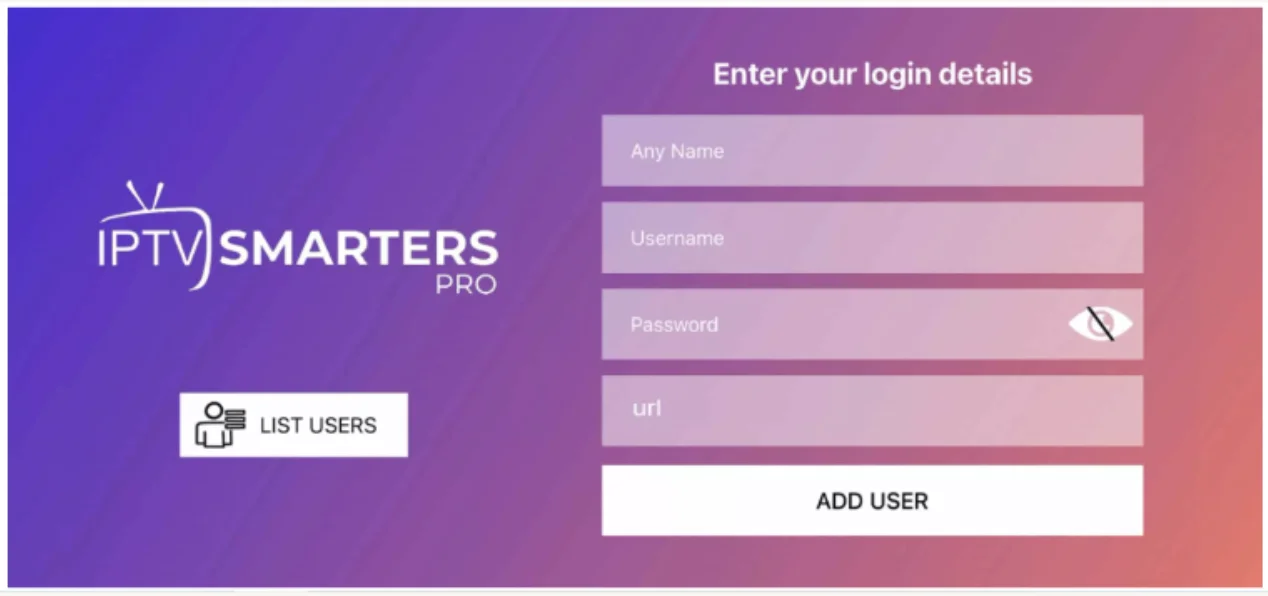
Step 2: Enter the login details that we have provided you after you get an IPTV SUBSCRIPTION with us.
Now Click on “ADD USER” to proceed to the next section.
Step 3: Wait some seconds.
Step 4: Now click on “Live TV” icon as depicted in the image via a red arrow.
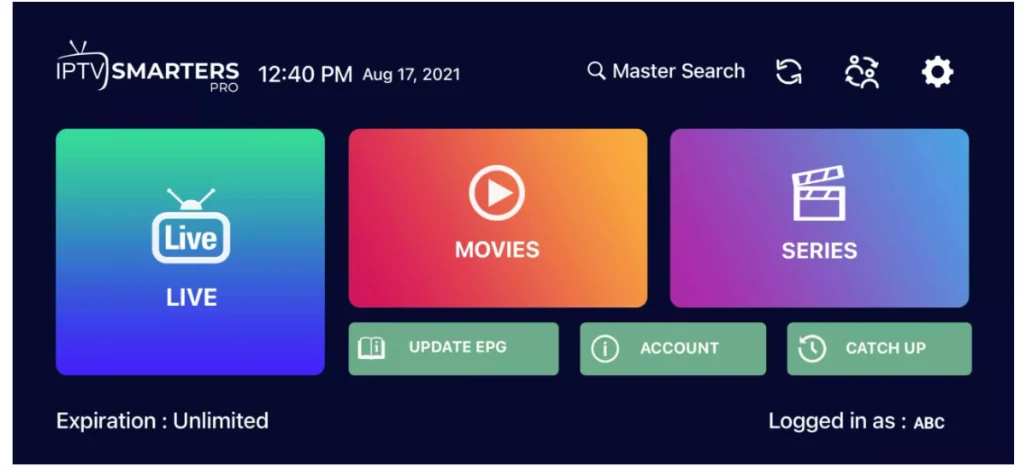
Step 5: Now you must select the channel group that you want to watch and proceed to the next section.
Step 6: Now you must click on the channel name and then double click on the small screen to turn into full screen as the final step.
Step 7: To add EPG no need to add any EPG url, Just click on “Install EPG” . Done